Audit log view
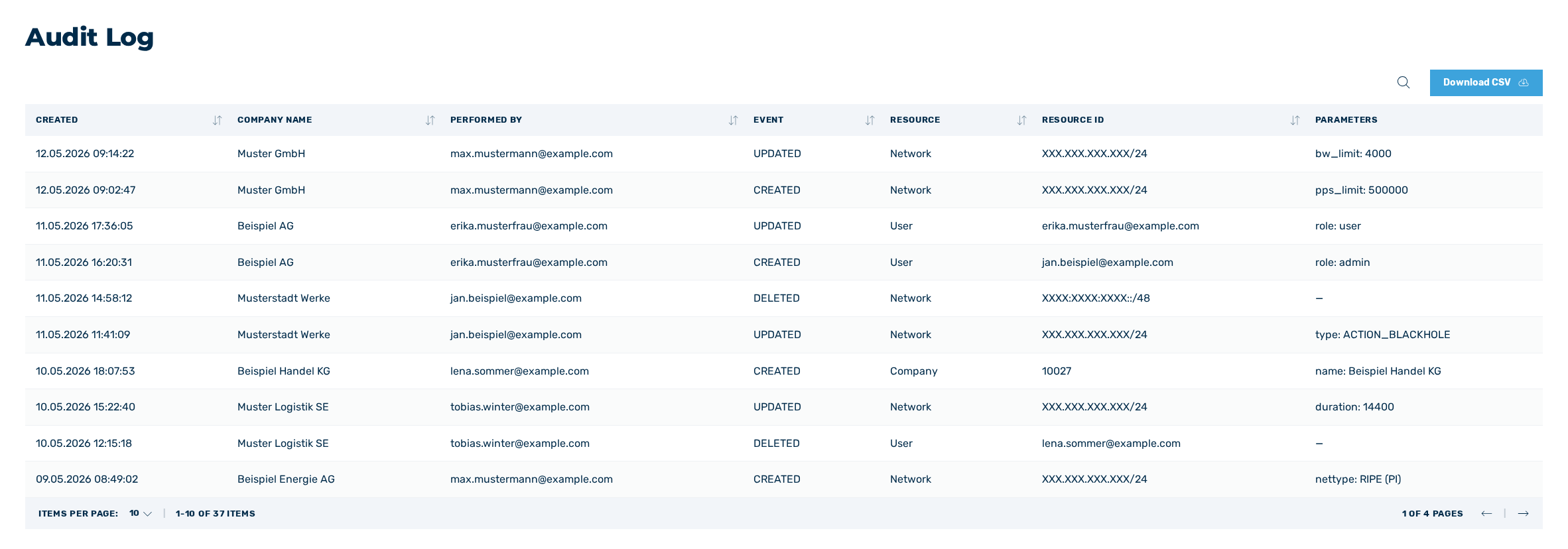
Audit log view
In the Audit Log view, you can find detailed information about all changes made for your own company or your customers' companies.
The following information is available:
| Element | Description |
|---|---|
| Created | The time and date when the change was made. |
| Company name | The name of the company. |
| Performed by | The name of the user. |
| Event | The type of the activity.
|
| Resource | The place of change. |
| Resource ID | The entry that has been changed. |
| Parameters | The values of the corresponding entry that have been changed. |
The following options are available:
| Element | Description |
|---|---|
 |
The symbol filters the reports by names. |
| Download CSV | The button downloads the complete monthly report as a CSV file. |